From Pack & Go to industrial execution
Drop in one ZIP. COGG organizes technical files, drawings and BOM context for the manufacturing workflow ahead.
From technical files, drawings and BOMs to supplier workflows, RFQs, quotes, procurement and production visibility — COGG keeps execution connected to the engineering intent.
No commitment. Selected teams will be contacted before the private launch.
See COGG in action53 seconds · Sound available below▶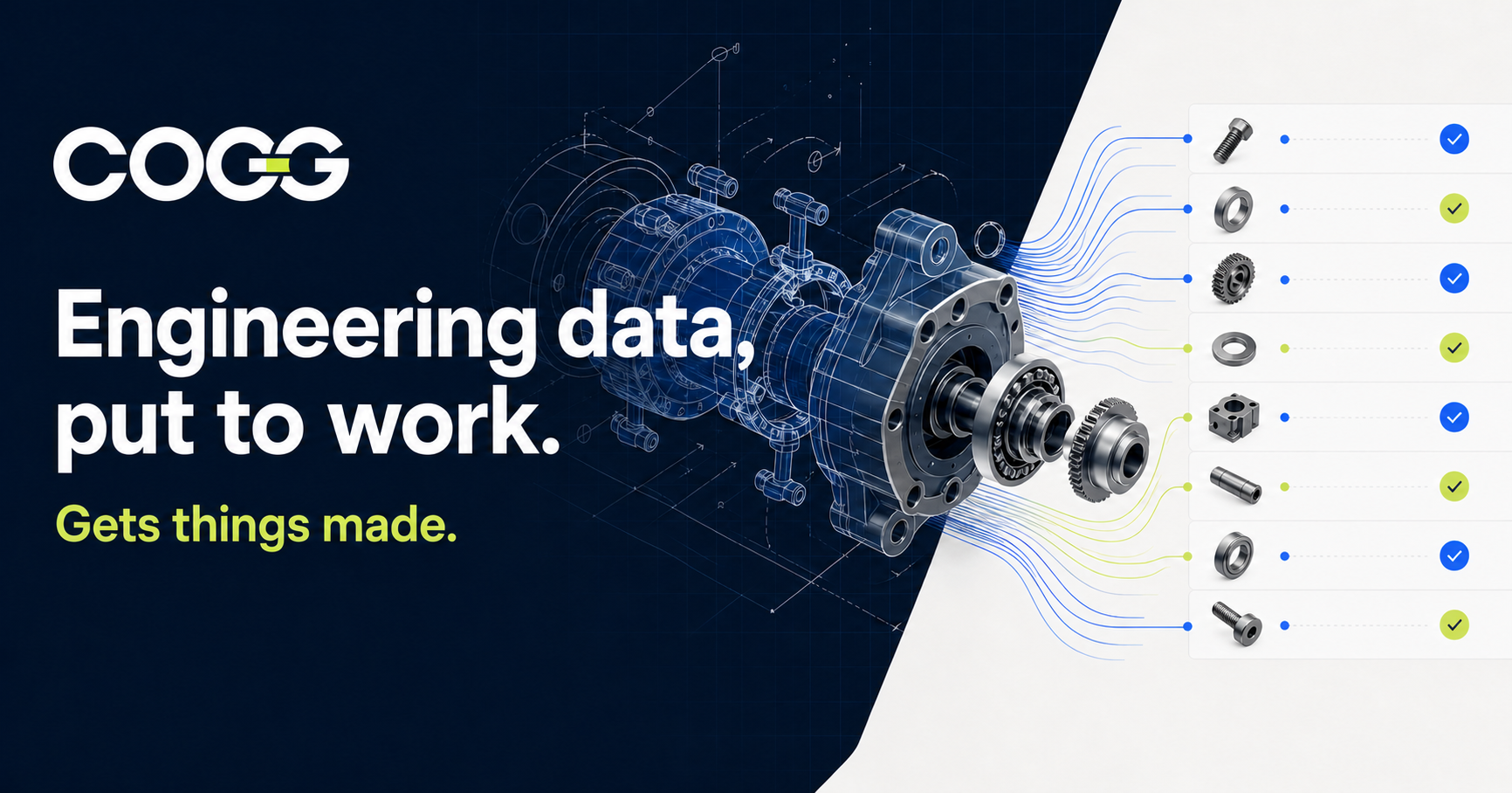 Explore the parts ↗
Drop in one ZIP. COGG organizes technical files, drawings and BOM context for the manufacturing workflow ahead.
Every part, drawing, quantity and revision stays visible—so nothing gets missed along the way.
See the complete assembly structure and everything you need to know in one clean, readable view.
COG works alongside the team—highlighting what needs attention and guiding the next execution step.
Manage suppliers, capabilities and communication while keeping every interaction connected to the right parts.
Prepare accurate supplier packages without manually saving and sorting every file.
Create, manage and follow every order without losing its engineering, supplier or quotation context.
COG keeps the workflow moving and brings the next required action into focus.
Gets things made.
Files, drawings, BOMs, supplier conversations and procurement work should not break apart after release. COGG creates one industrial execution thread from engineering intent to production visibility.
From engineering files and BOMs to RFQs, quotations, procurement and production execution — inside one connected workflow.
COGG keeps engineering intent connected to every supplier, procurement and production decision that follows.
Import technical files, drawings and BOMs while preserving hierarchy, quantities, revisions, properties and previews.
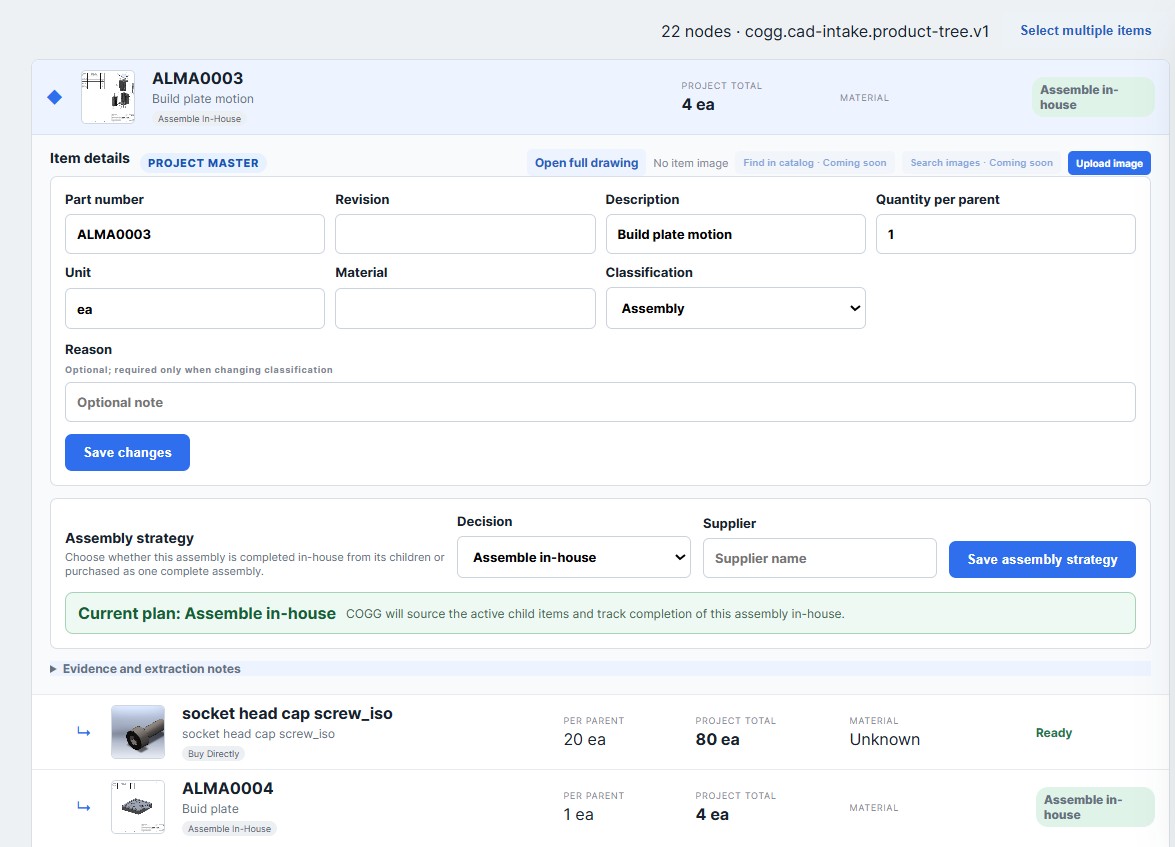
Review the product tree, resolve missing evidence and decide what to make, buy or source for the complete assembly.
Prepare RFQs, collect quotes, compare offers and keep every clarification tied to the correct items.
Issue traceable purchase orders and follow procurement and production work through delivery without losing engineering context.
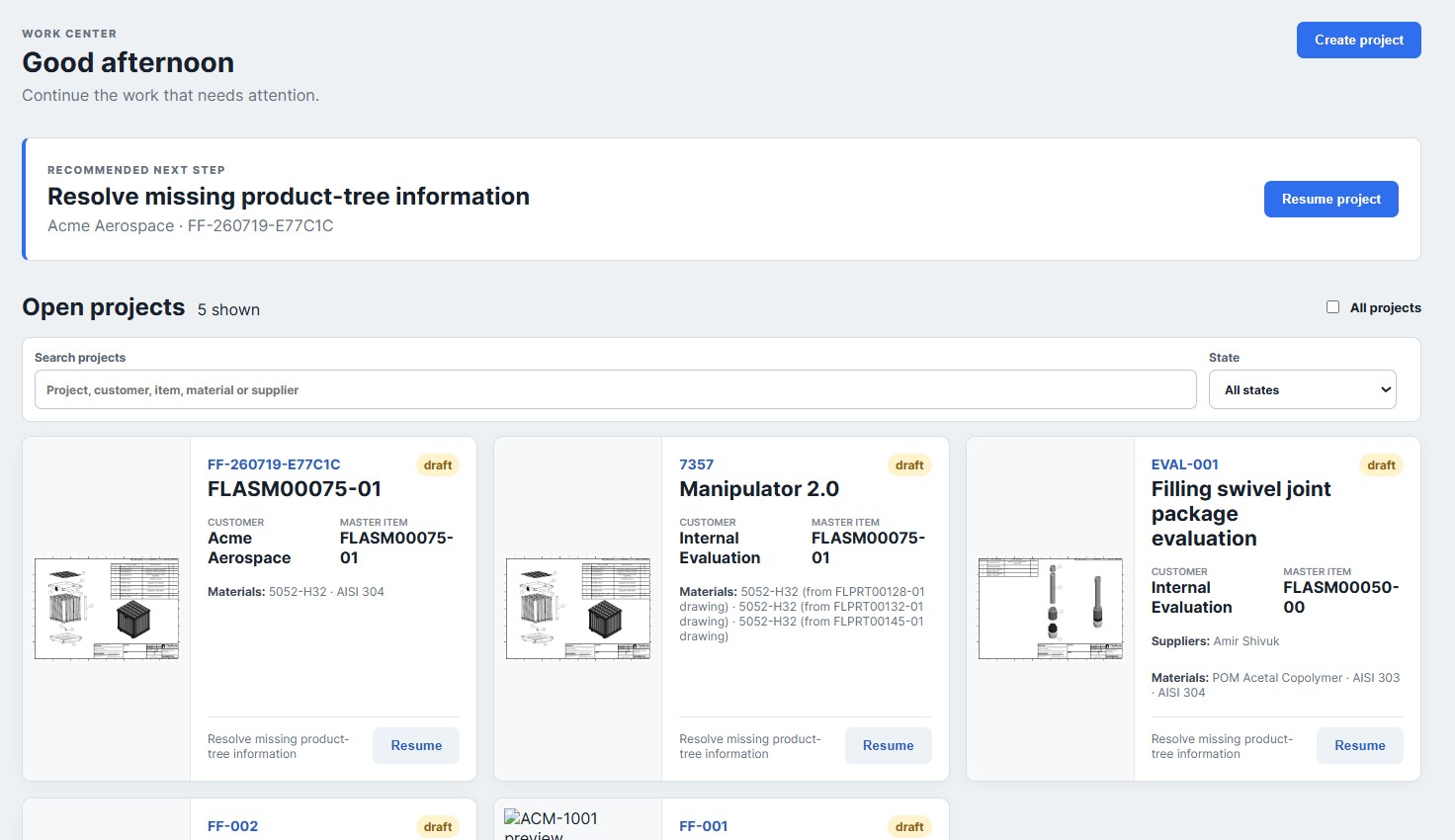
See product structure, drawings, BOMs, supplier coverage, quotes, procurement status and open decisions in one place. COG helps surface what needs attention without inventing the facts.
Bring in engineering files once. COGG organizes drawings, BOM evidence and manufacturing files for execution.
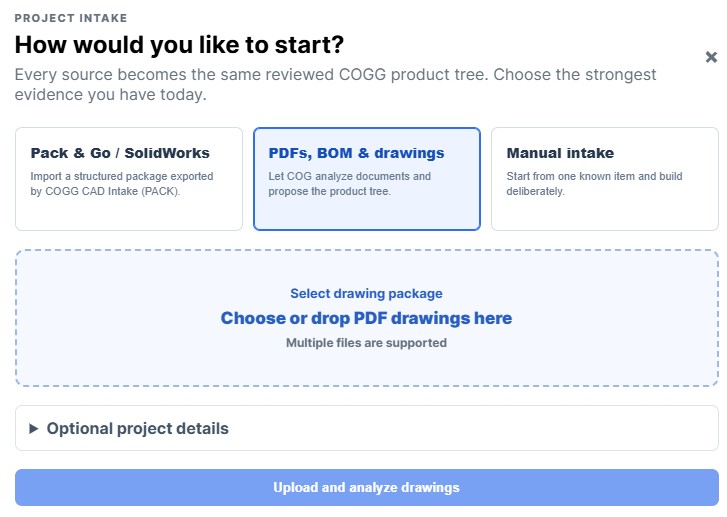
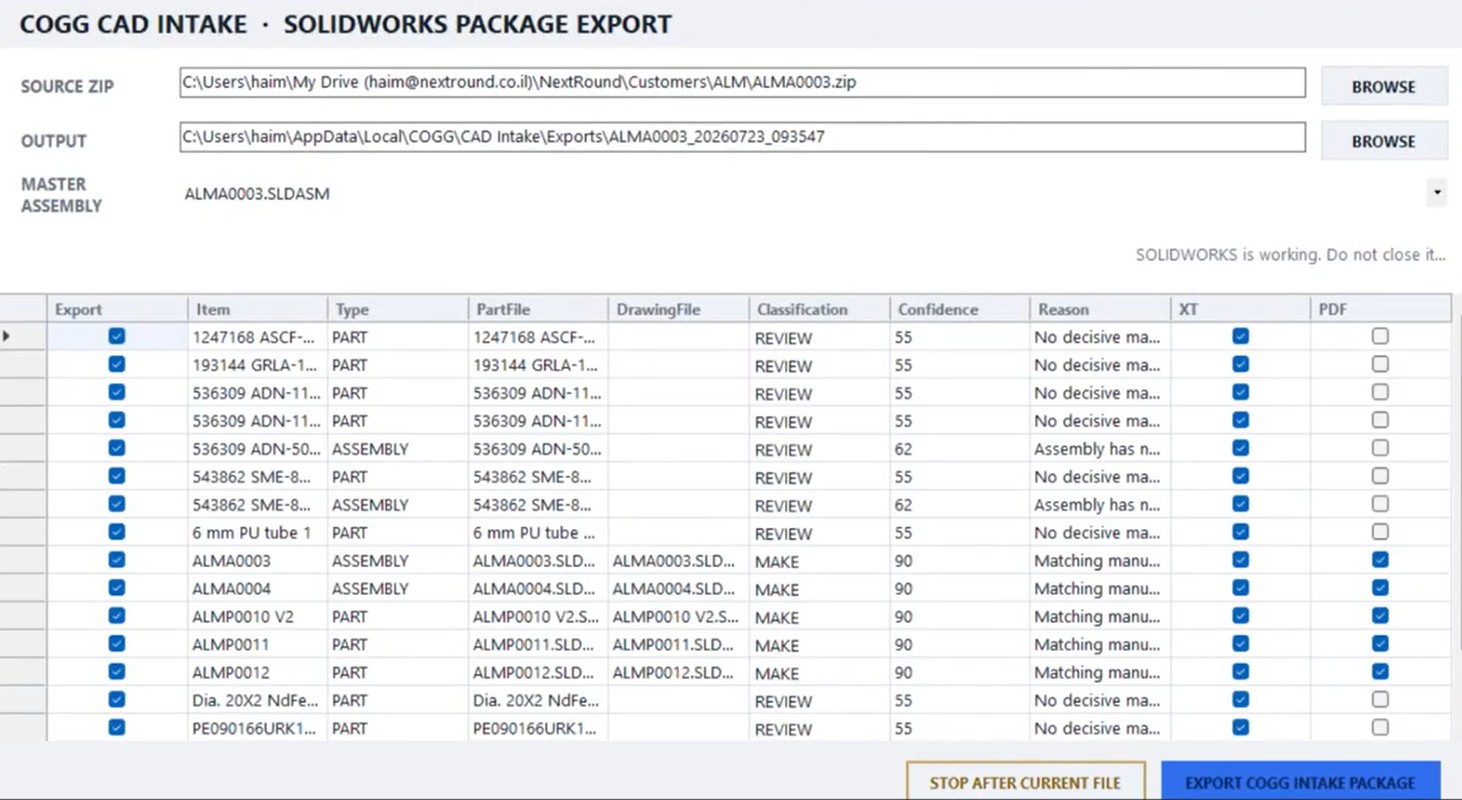
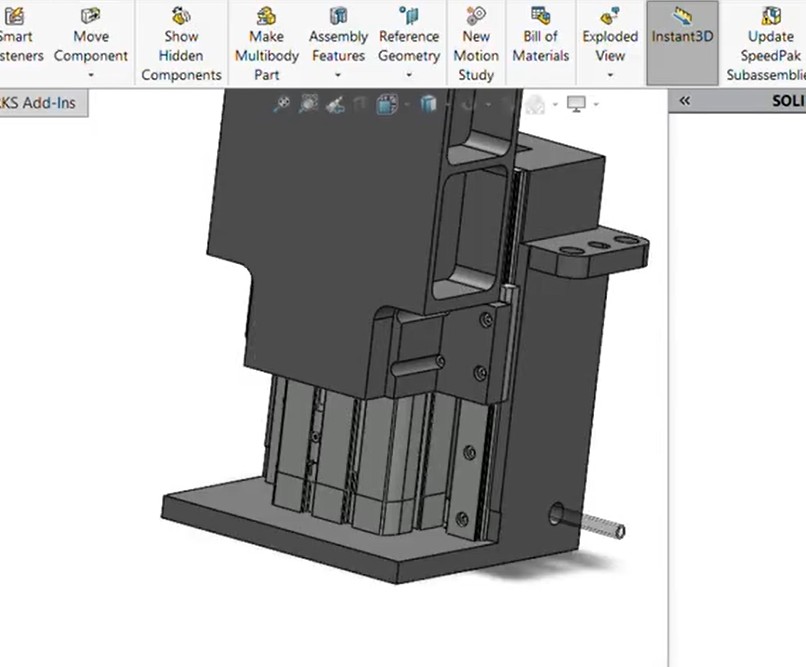
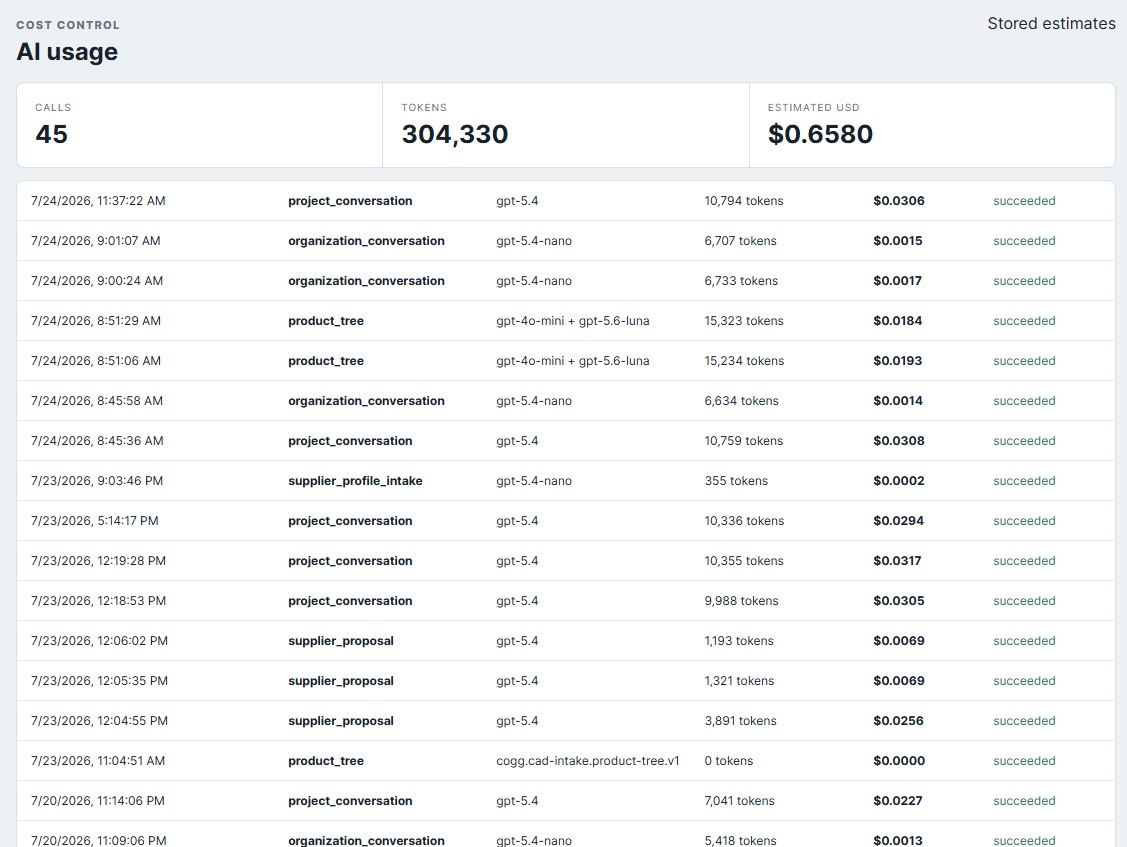
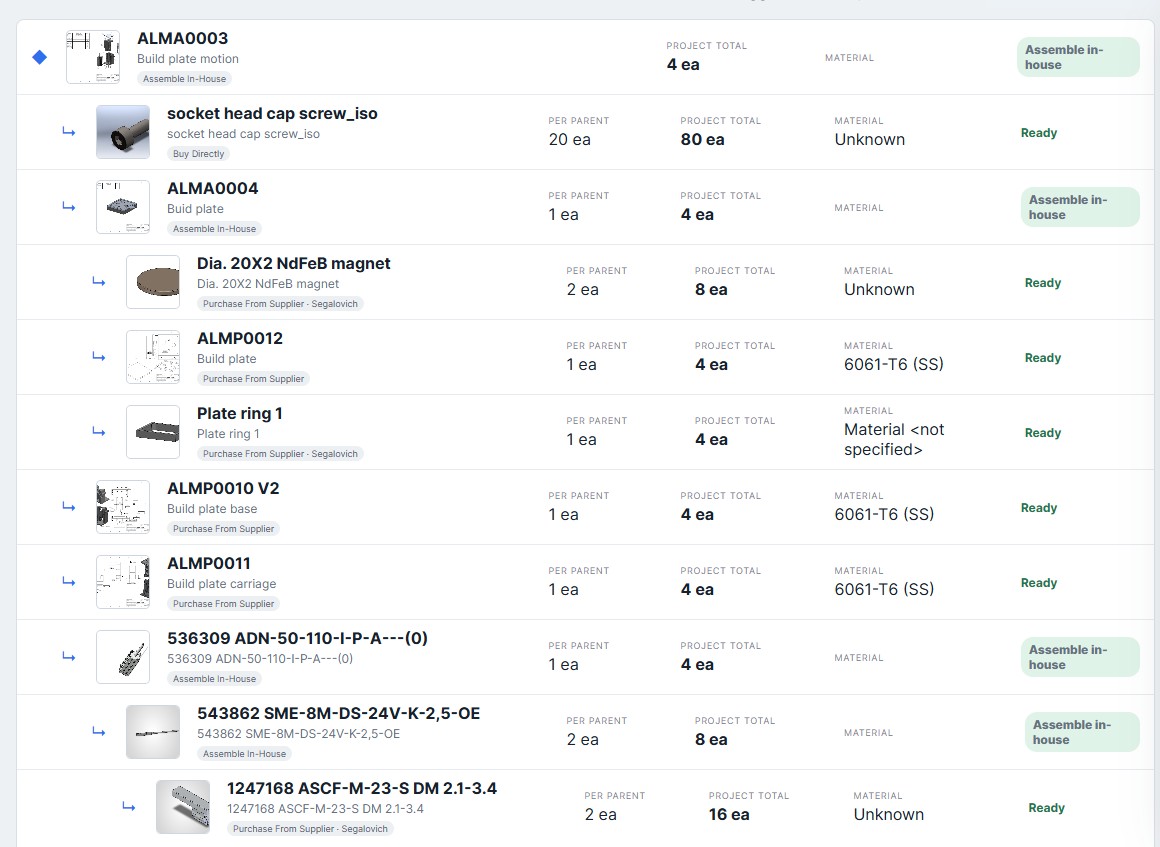
See hierarchy, quantities, materials, evidence and sourcing readiness without losing the engineering context.
Build accurate RFQs, collect responses and compare every supplier offer against the correct item.
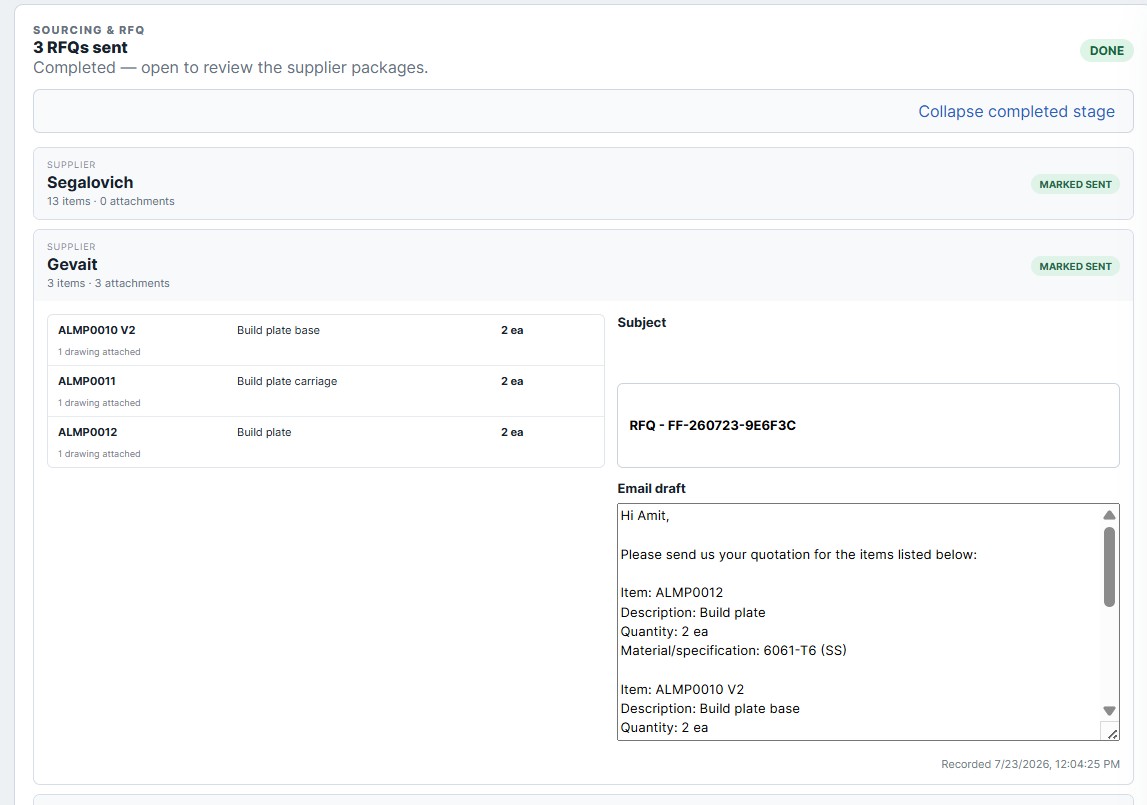
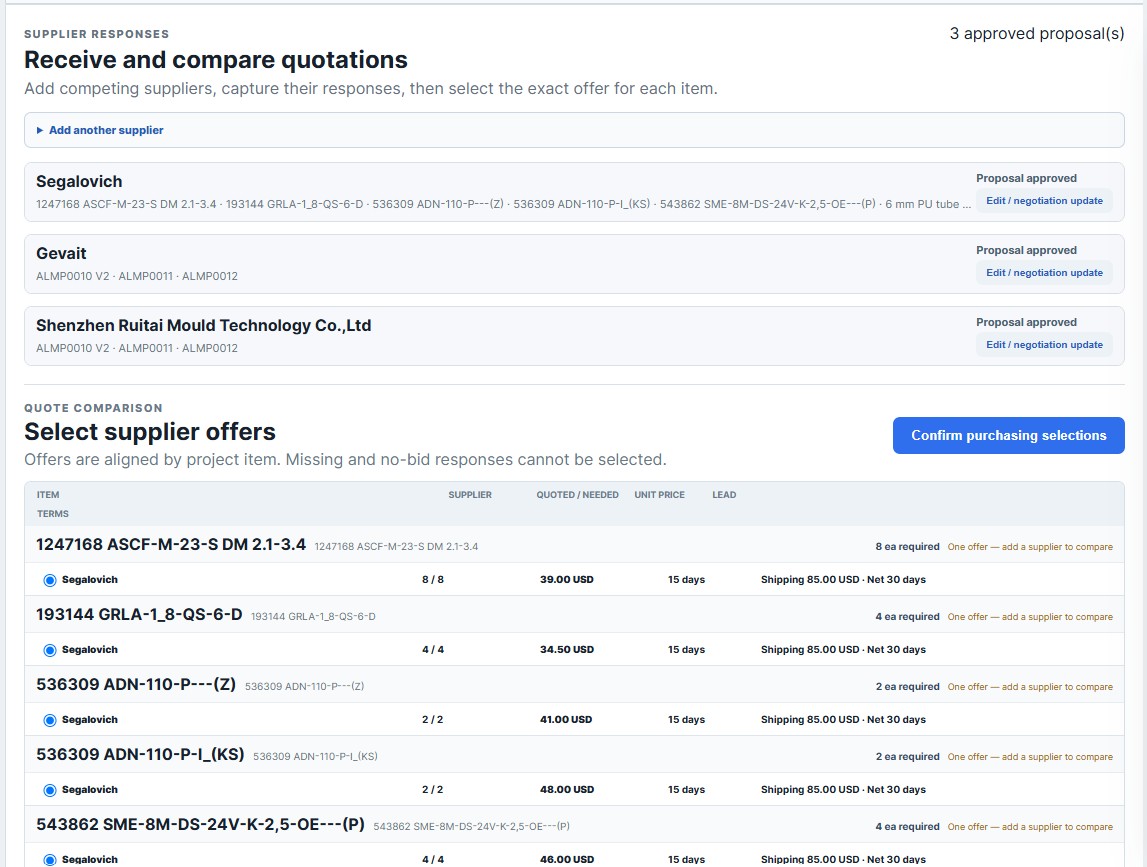
Turn the selected offer into a traceable purchase order and keep procurement and delivery tied to the product.
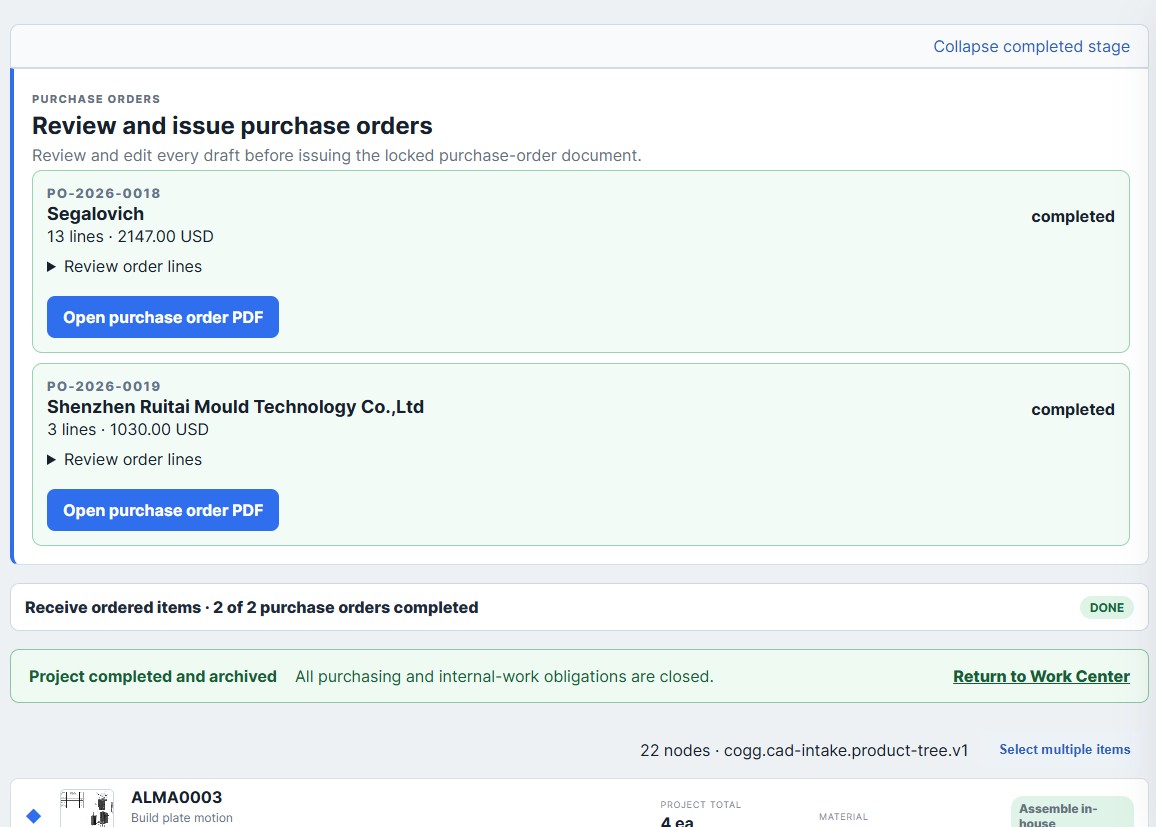
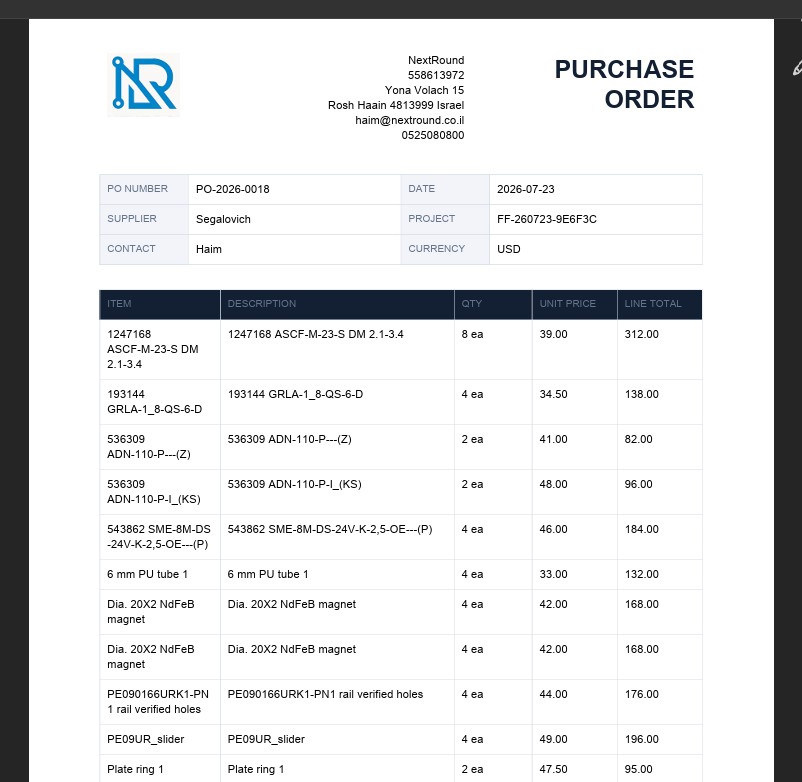
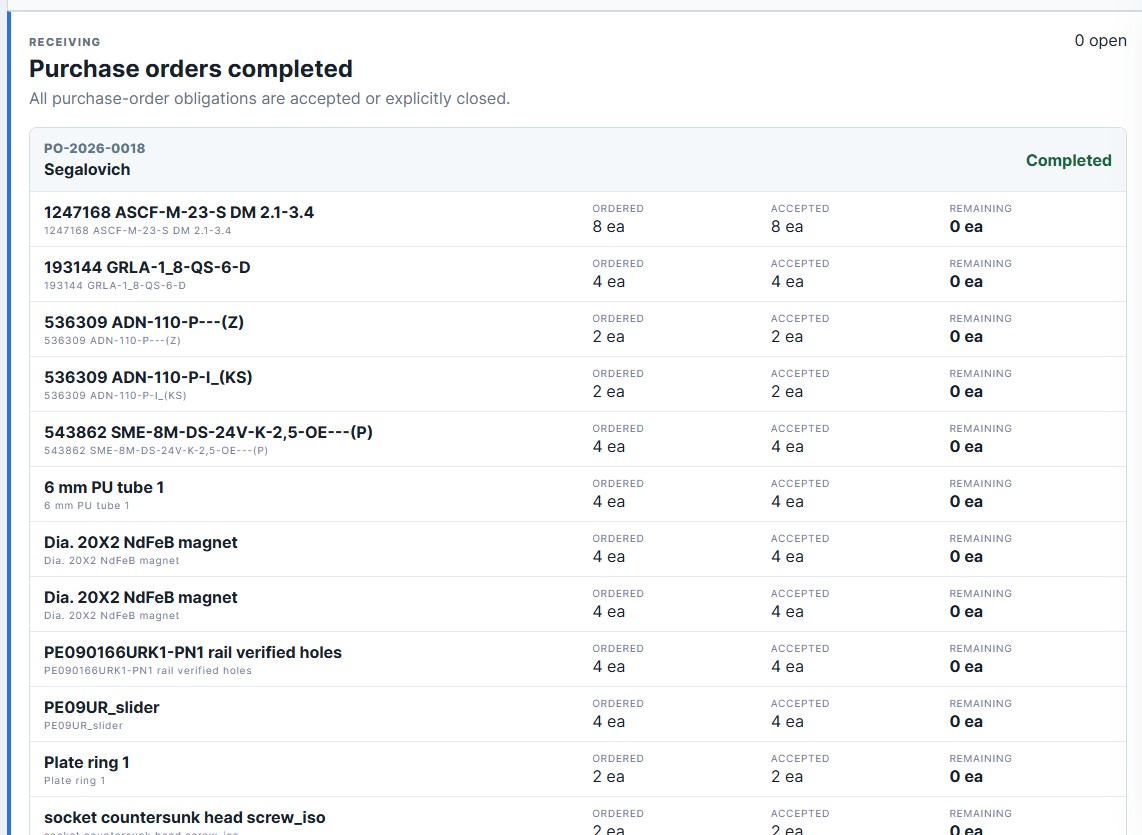
COGG turns engineering files, drawings and BOMs into a versioned industrial execution package the wider team can use.
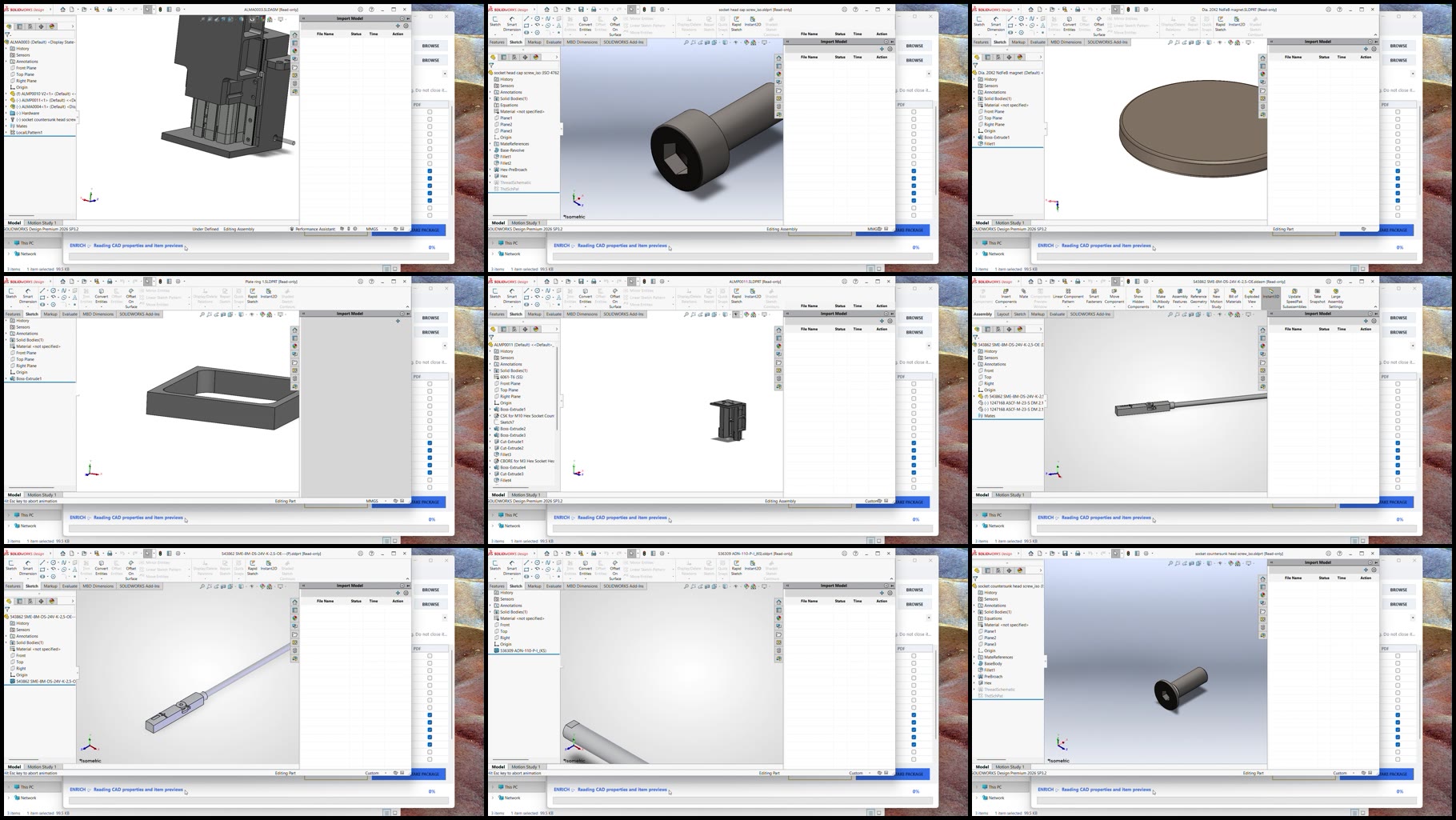
The first cohort will be intentionally small, giving every team direct onboarding, close support and a real voice in shaping the product.
Apply for early access Limited to ensure every selected team gets the attention required to succeed.